Netra OCR 1
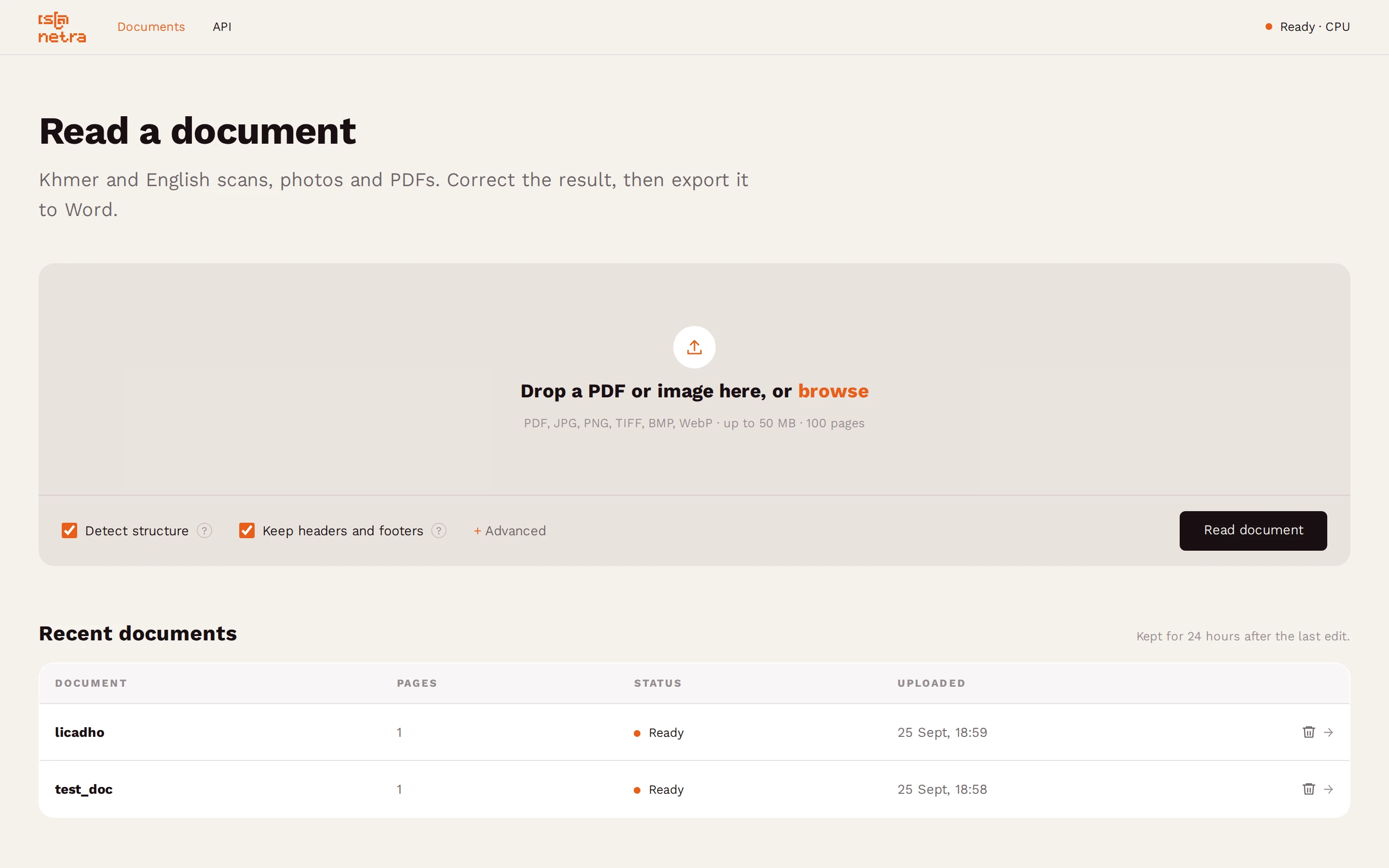
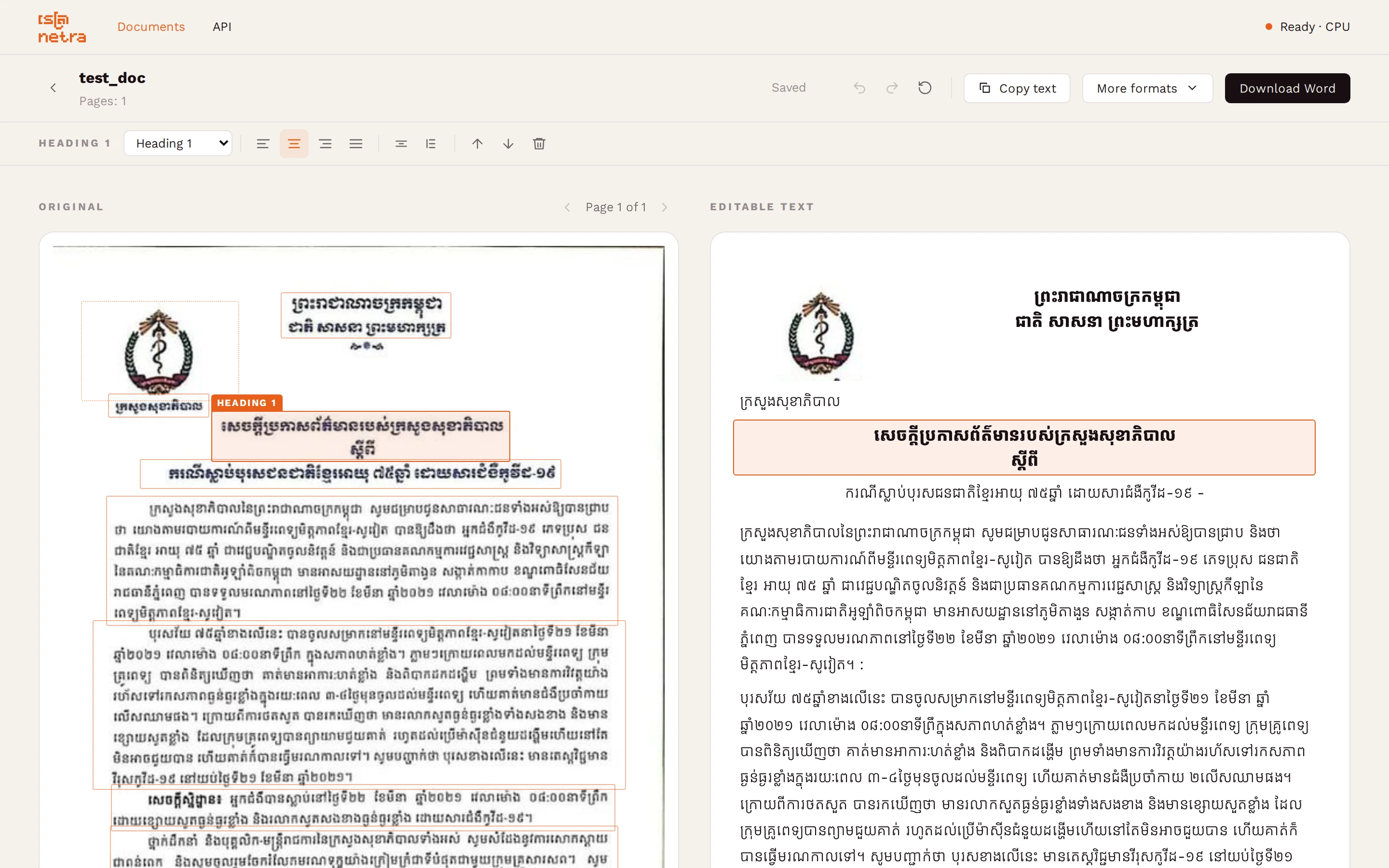
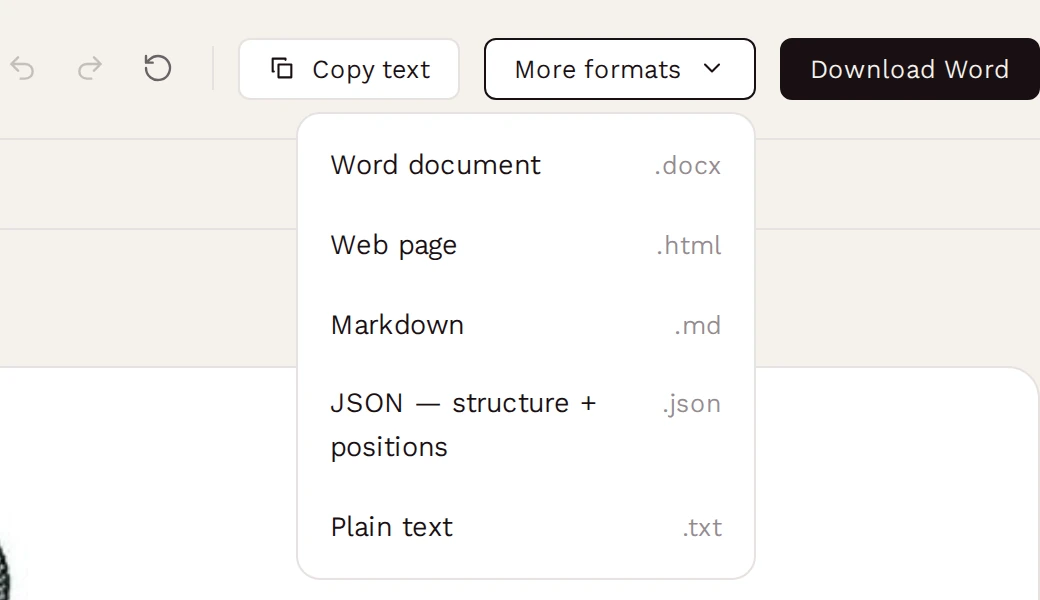
An app for your own computer that reads Khmer and English documents and turns them into text you can correct and export.
Fewer mistakes than the alternatives
How many characters the app’s recognizer gets wrong on three Khmer test sets; lower is better. Qwen2.5-VL and DeepSeek-OCR were fine-tuned on the same training data first. Read the paper or see the model
Your documents never leave your computer
Nothing is uploaded
Pages are read on your machine, not sent to us or anyone else.
Works offline
After the one download, it doesn't need an internet connection.
Install it
Pick your system. It takes one command, and the app then opens in your browser like a website, but runs on your computer.
- 1
Install Docker Desktop
- 2
Run this in PowerShell
- 3
Open the app
Questions
The page at localhost:8000 won't open
The app needs port 8000. The install command sets that up with -p 8000:8000. If you started the image from Docker Desktop’s Images tab instead, open Optional settings and set Host port to 8000.
After the first run, Netra OCR is listed under Containers in Docker Desktop, and you can start and stop it there without the terminal.
How do I update to a new version?
Run these three commands. Your documents are kept in the netra-data volume, so they survive the update.
docker pull ghcr.io/netra-ai-lab/netra-ocr
docker rm -f netra-ocr
docker run -d --name netra-ocr -p 8000:8000 -v netra-data:/data ghcr.io/netra-ai-lab/netra-ocrWhat changed in each version is in the release notes.
Is there an API?
Yes, a REST API. Its reference opens at http://localhost:8000/docs while the app is running. The Python package is on PyPI.
Can I use it at work?
The Netra OCR code is released under the MIT licence. The Docker image also includes two components licensed under AGPL-3.0 (ultralytics and doclayout-yolo). The full list is in the third-party licences file; check it before using Netra OCR in a commercial setting.
Something isn't working
Tell us on GitHub issues, with what you ran and what you saw. The source code is there too.